












Salesforce access piles up.Control gets harder.
Access accumulates. Permissions layer up. Reviews leave no trail. Reports multiply.Field definitions become inconsistent. Documentation falls behind reality.
What begins as a manageable admin task gradually becomes a manual exercisein stitching together reviews, exports, spreadsheets, screenshotsand investigations just to build a picture you can trust.
Security + Access Manager creates a fast path to clearer answers.
Every access, audit and reporting answer in one place, inside Salesforce.
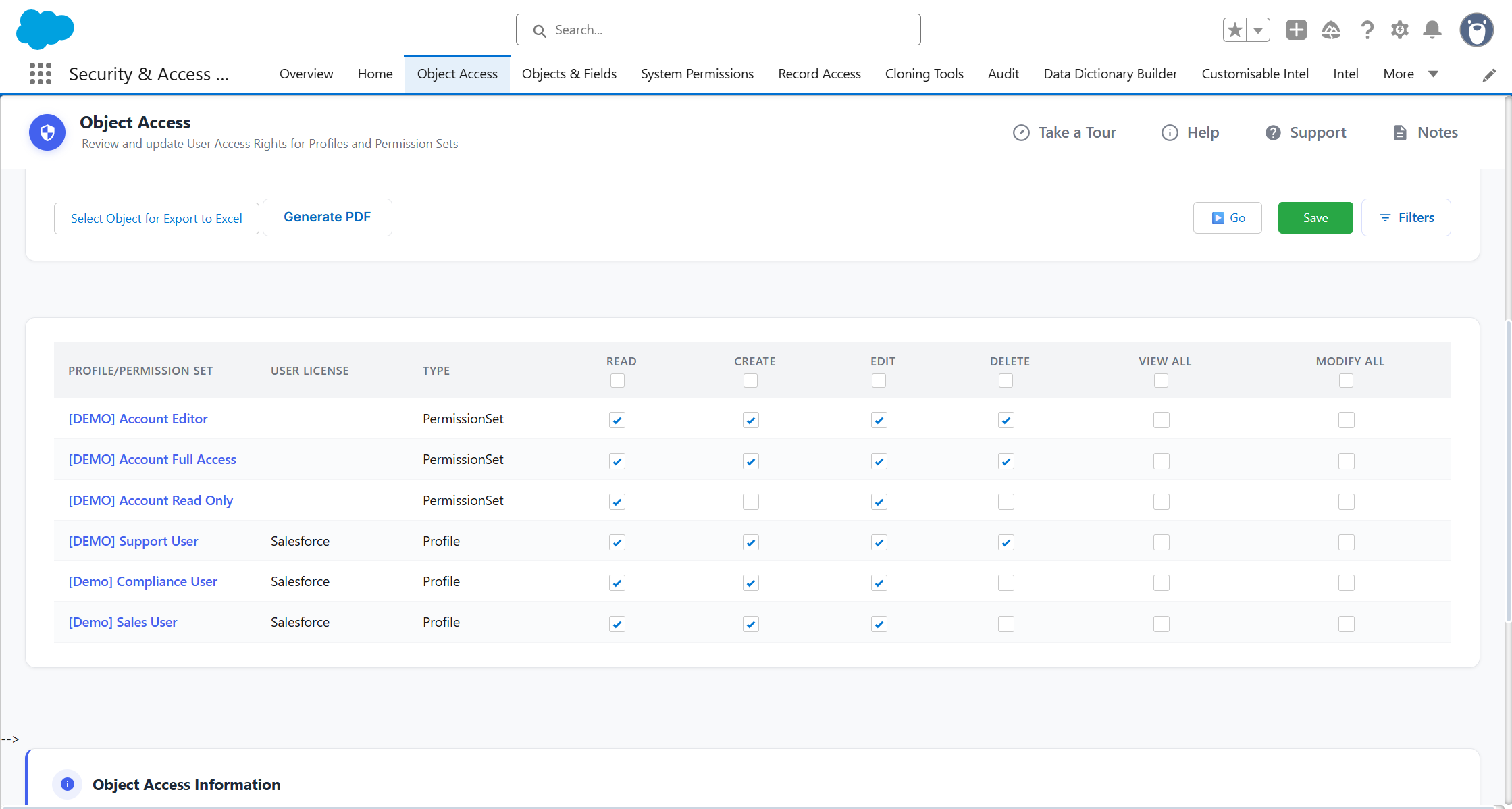
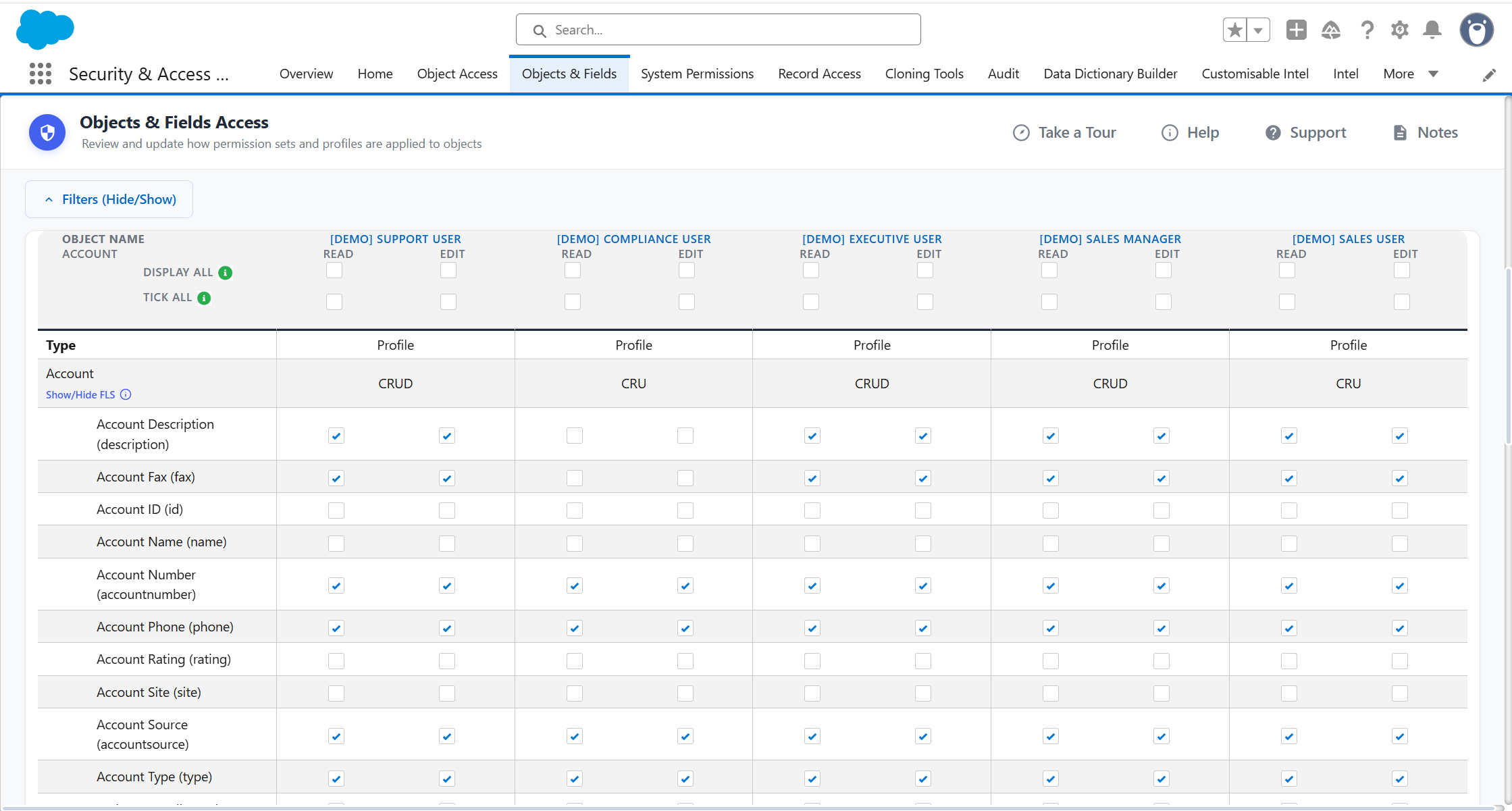
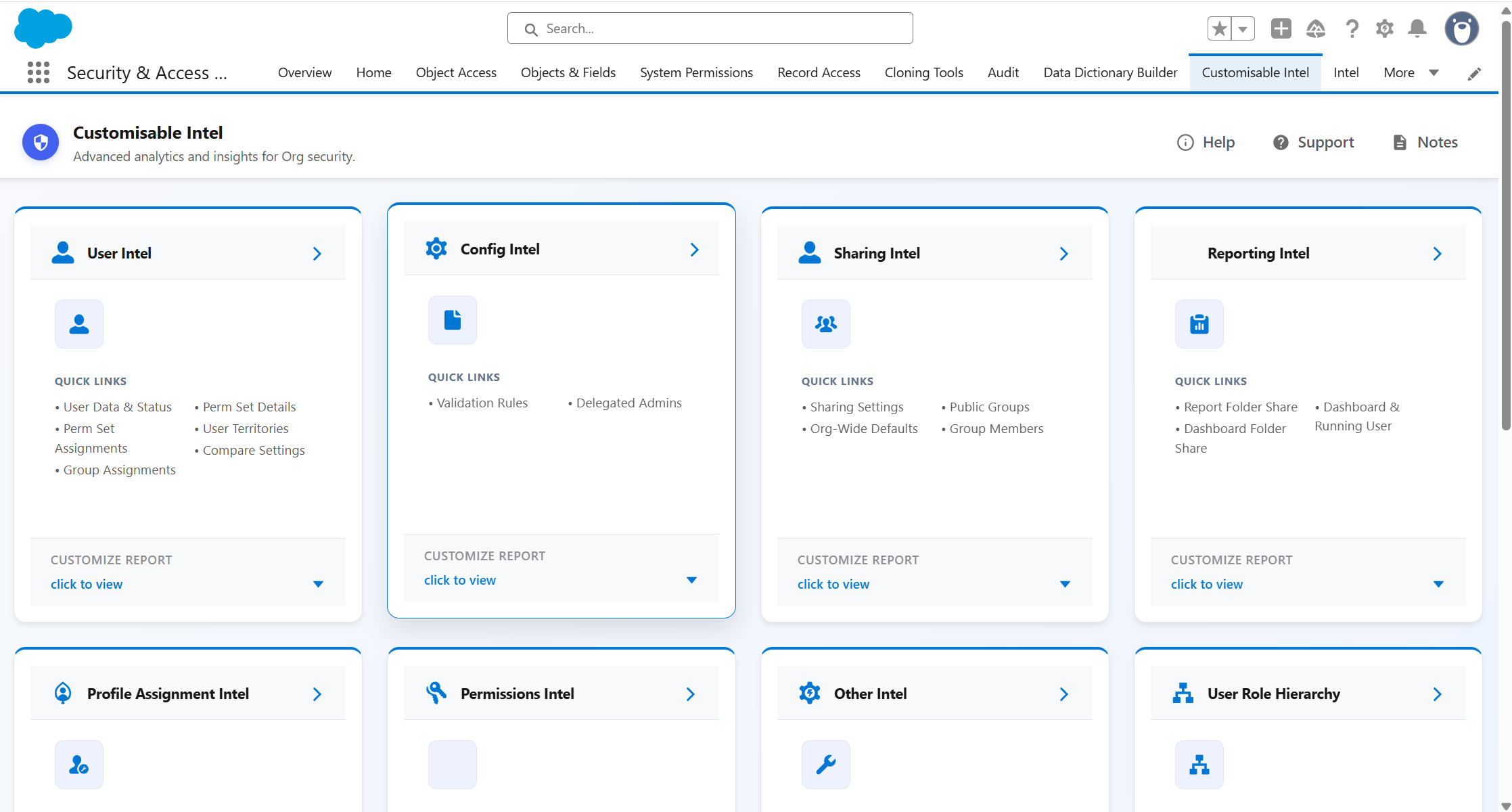
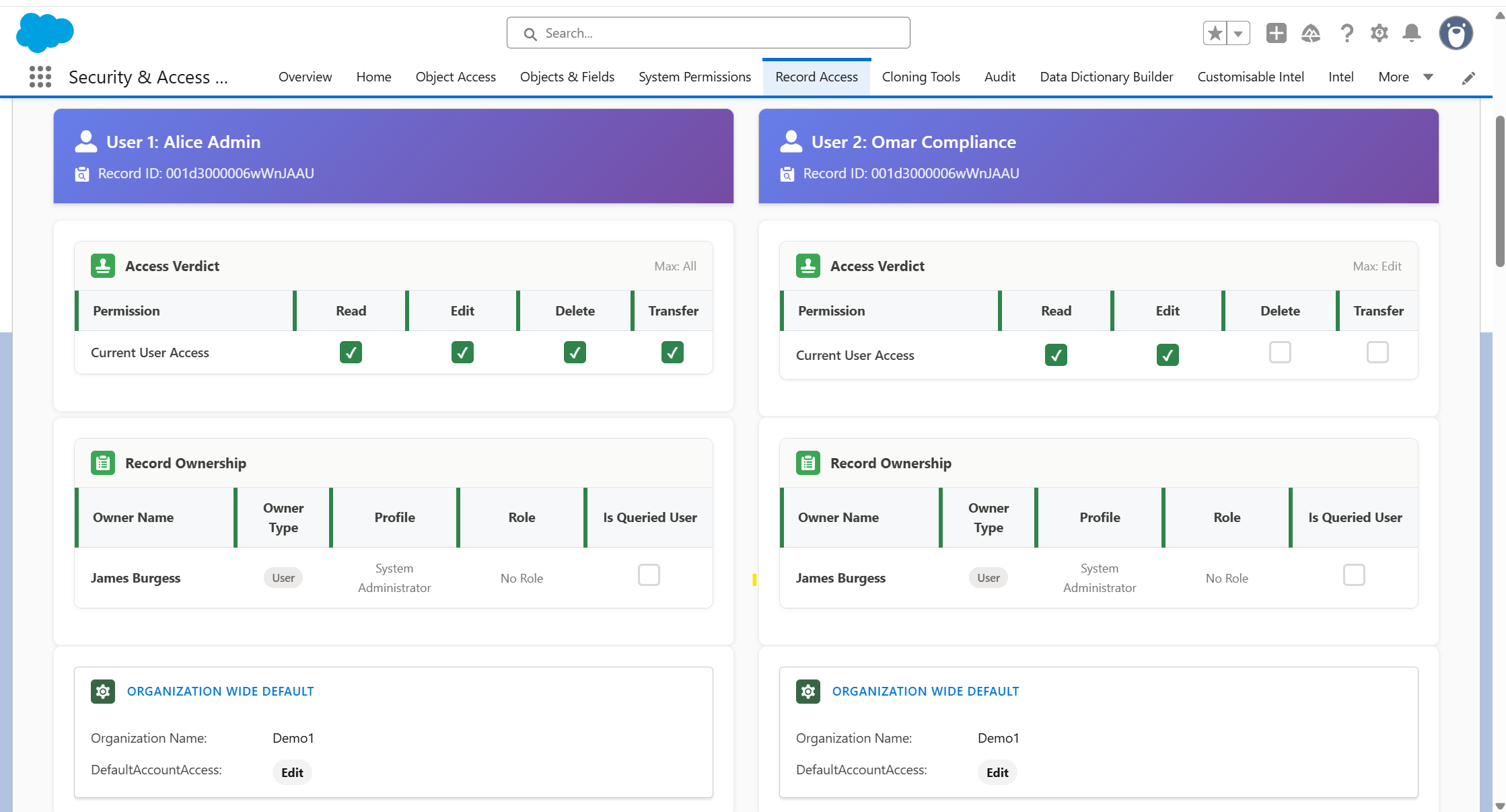
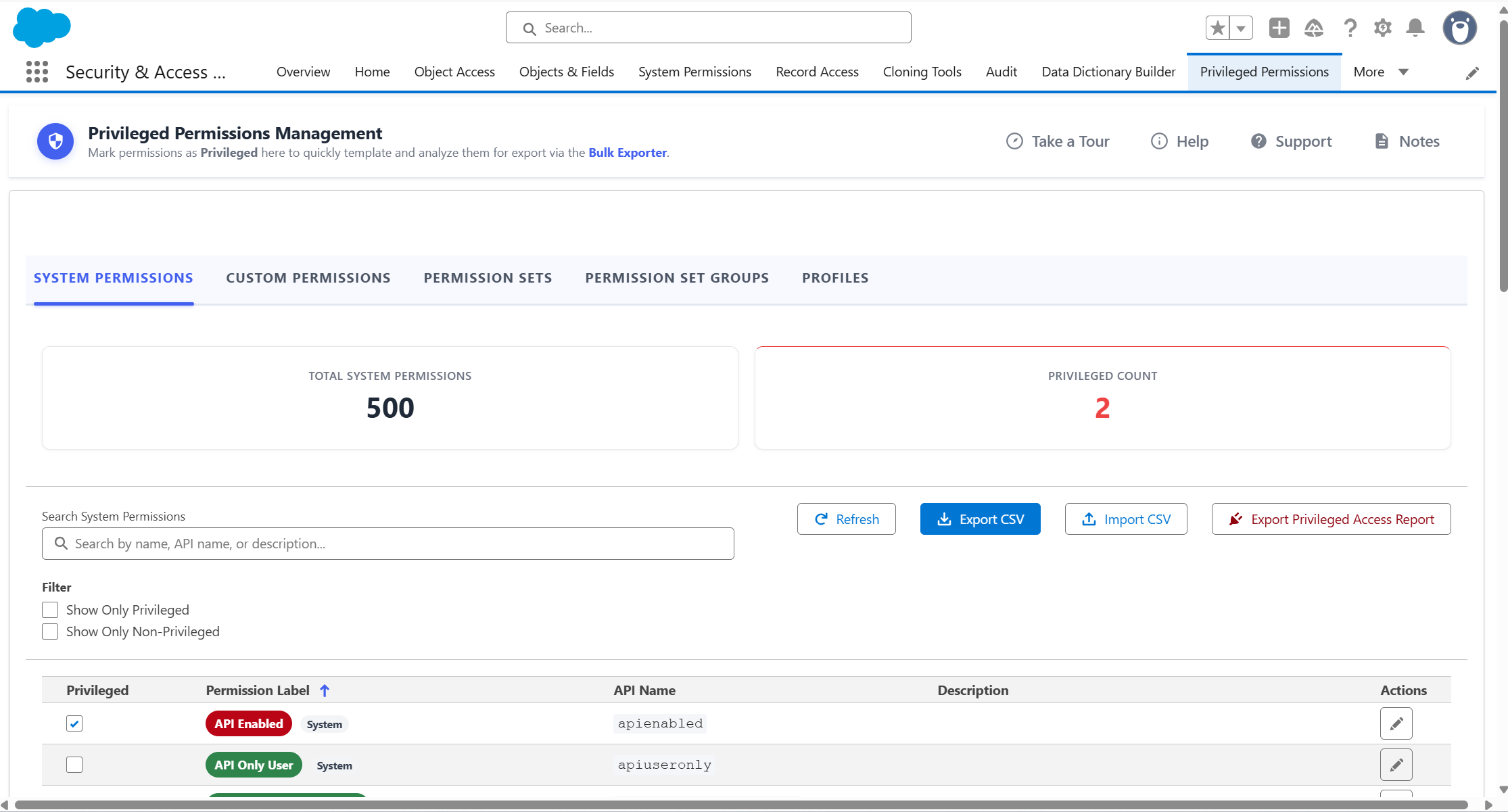
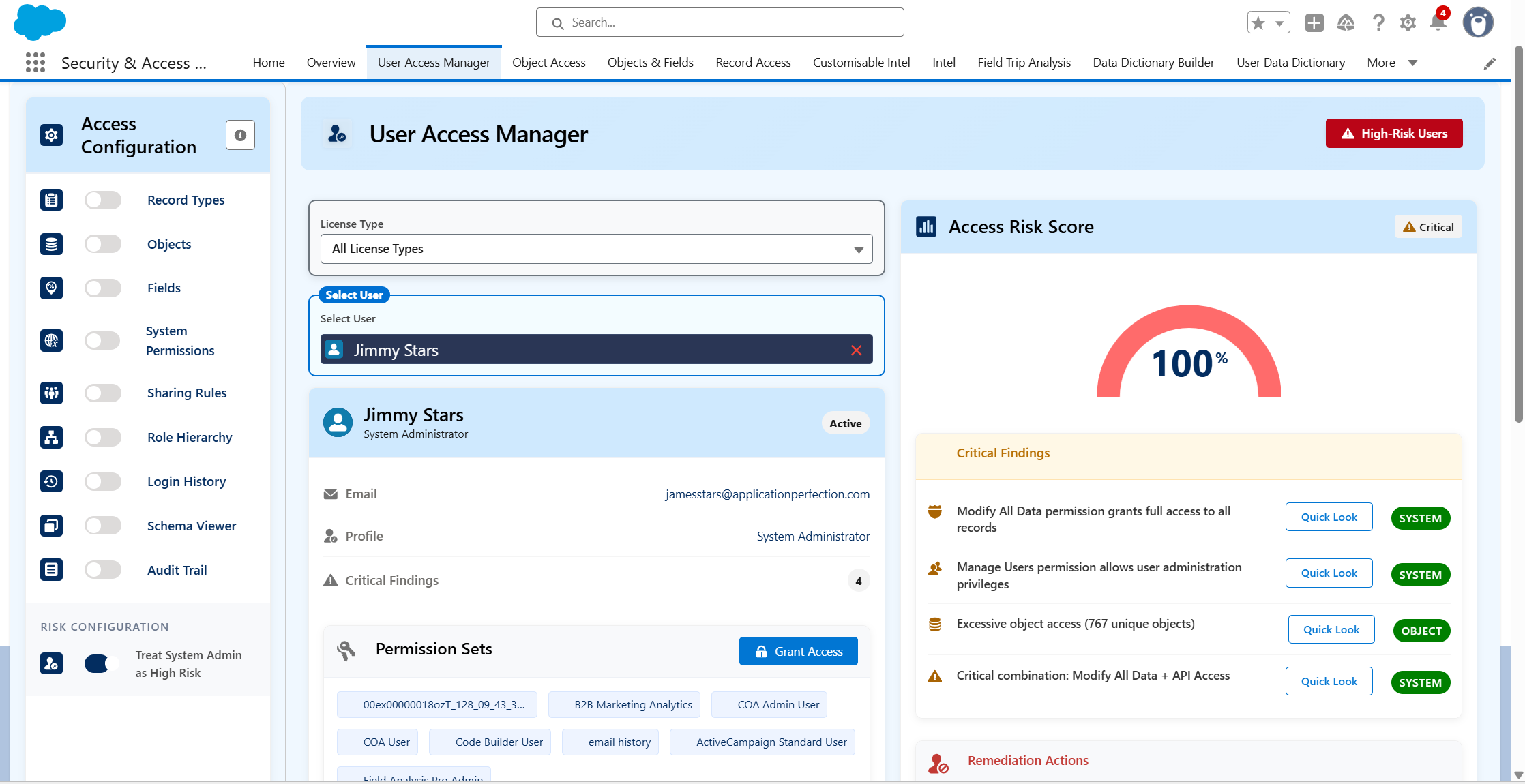
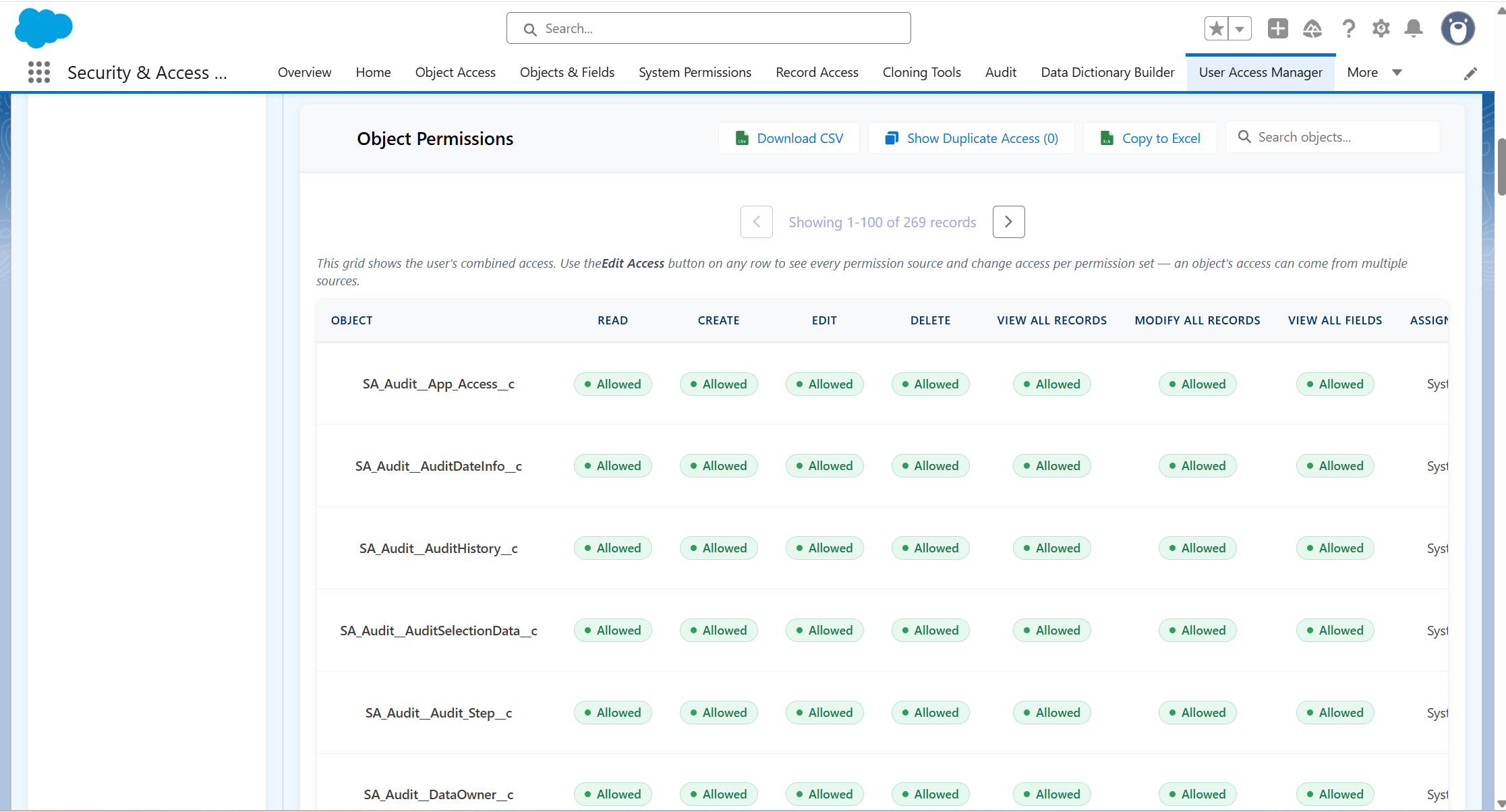
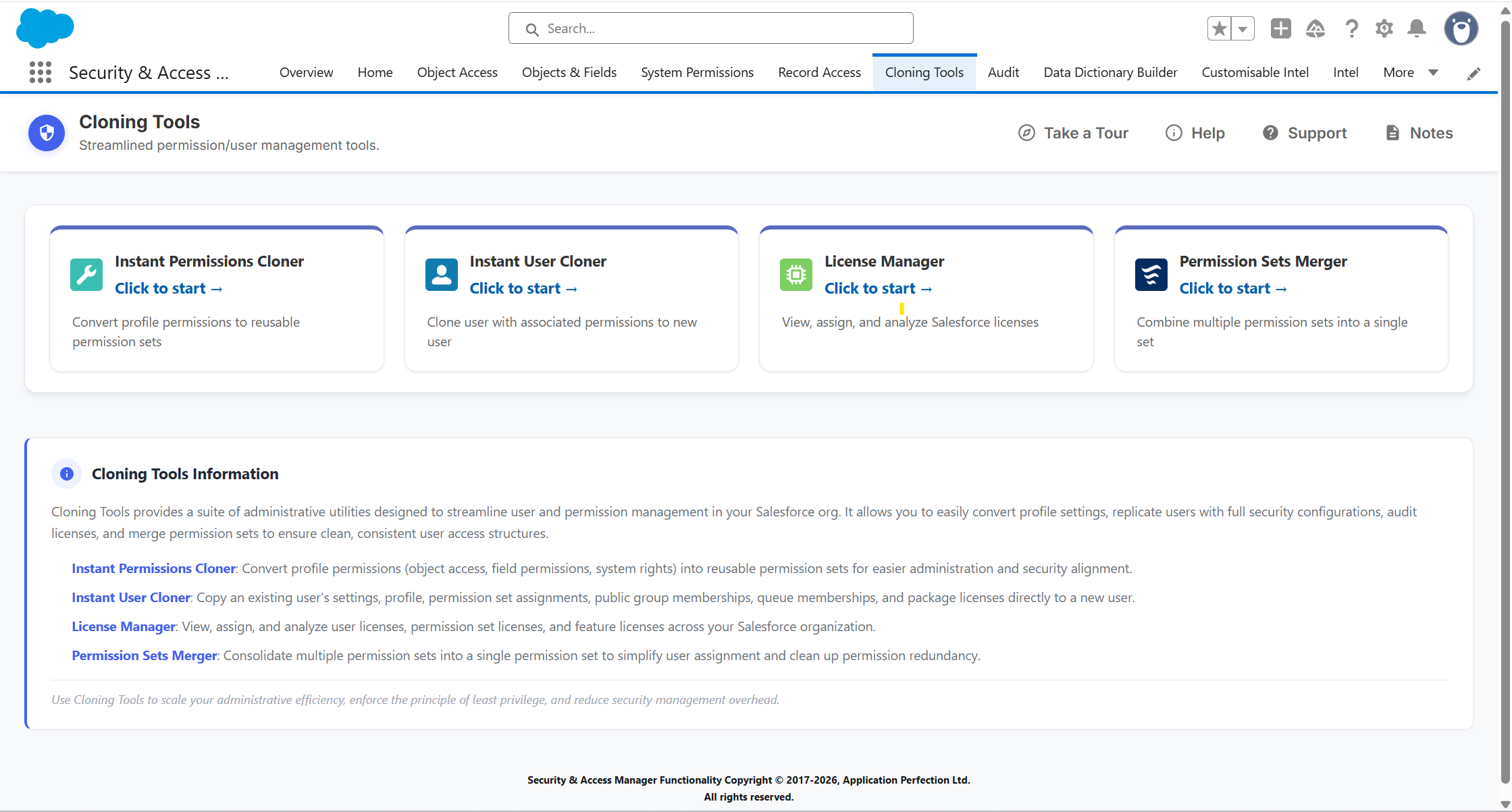
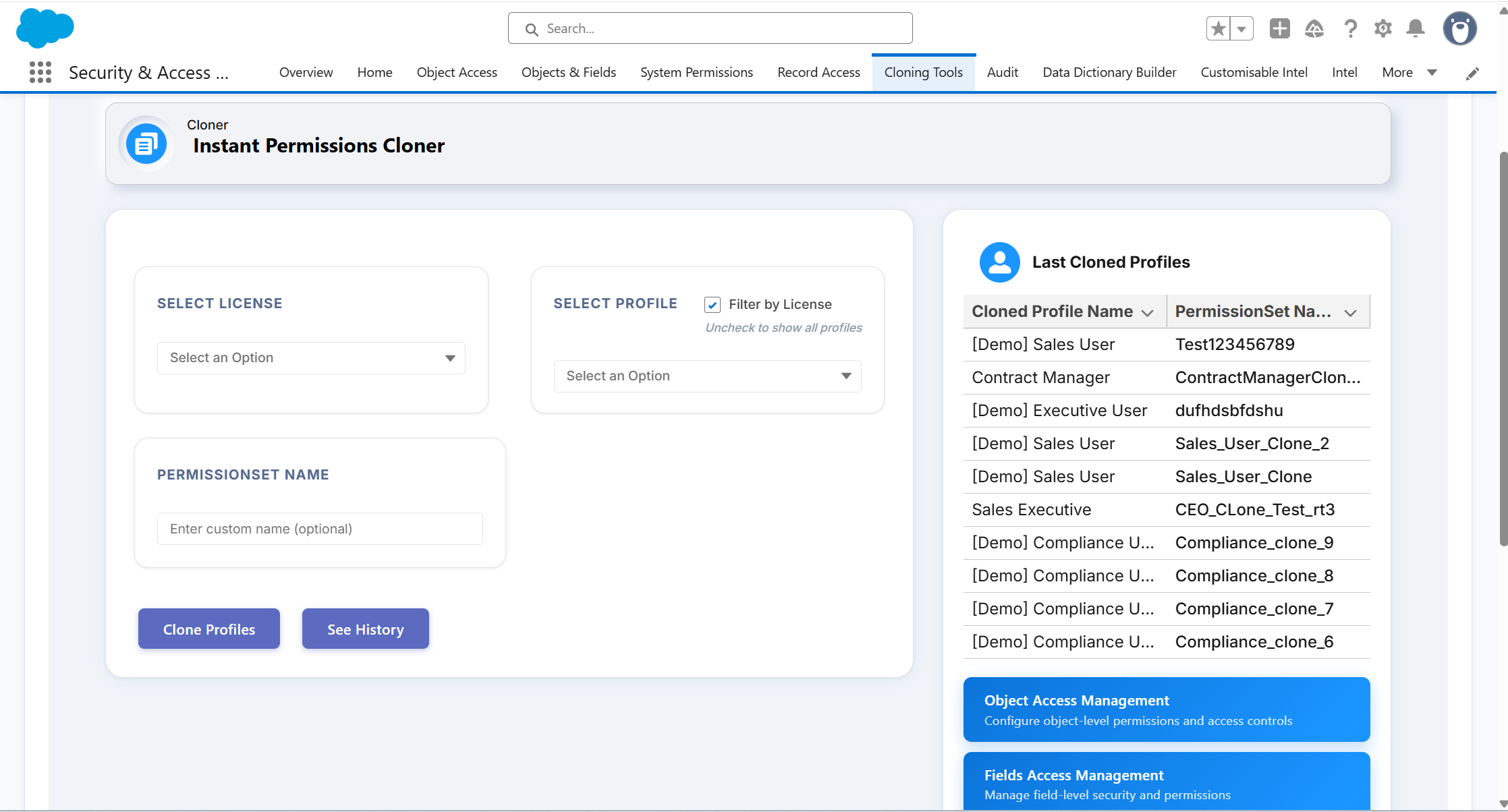
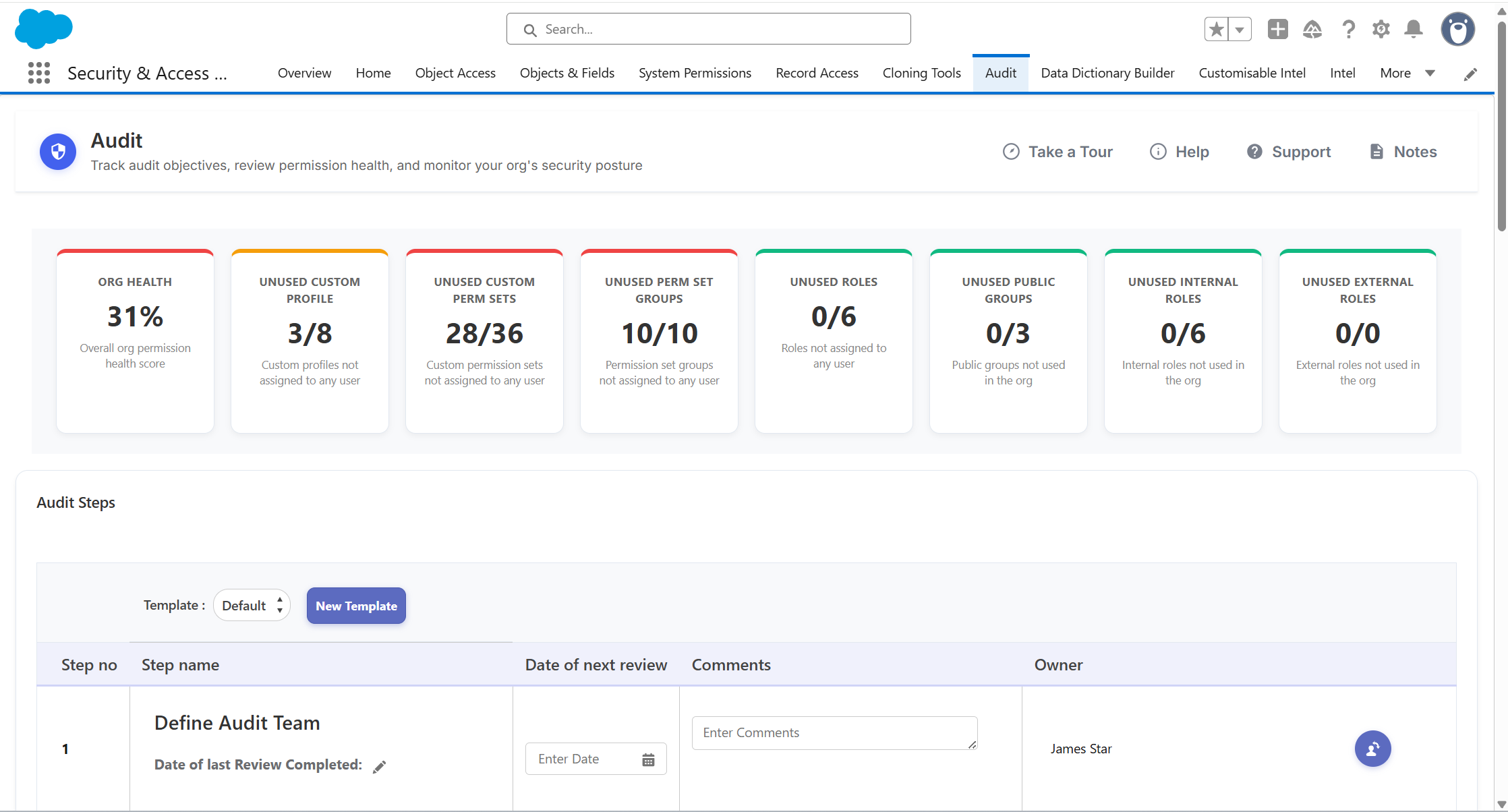
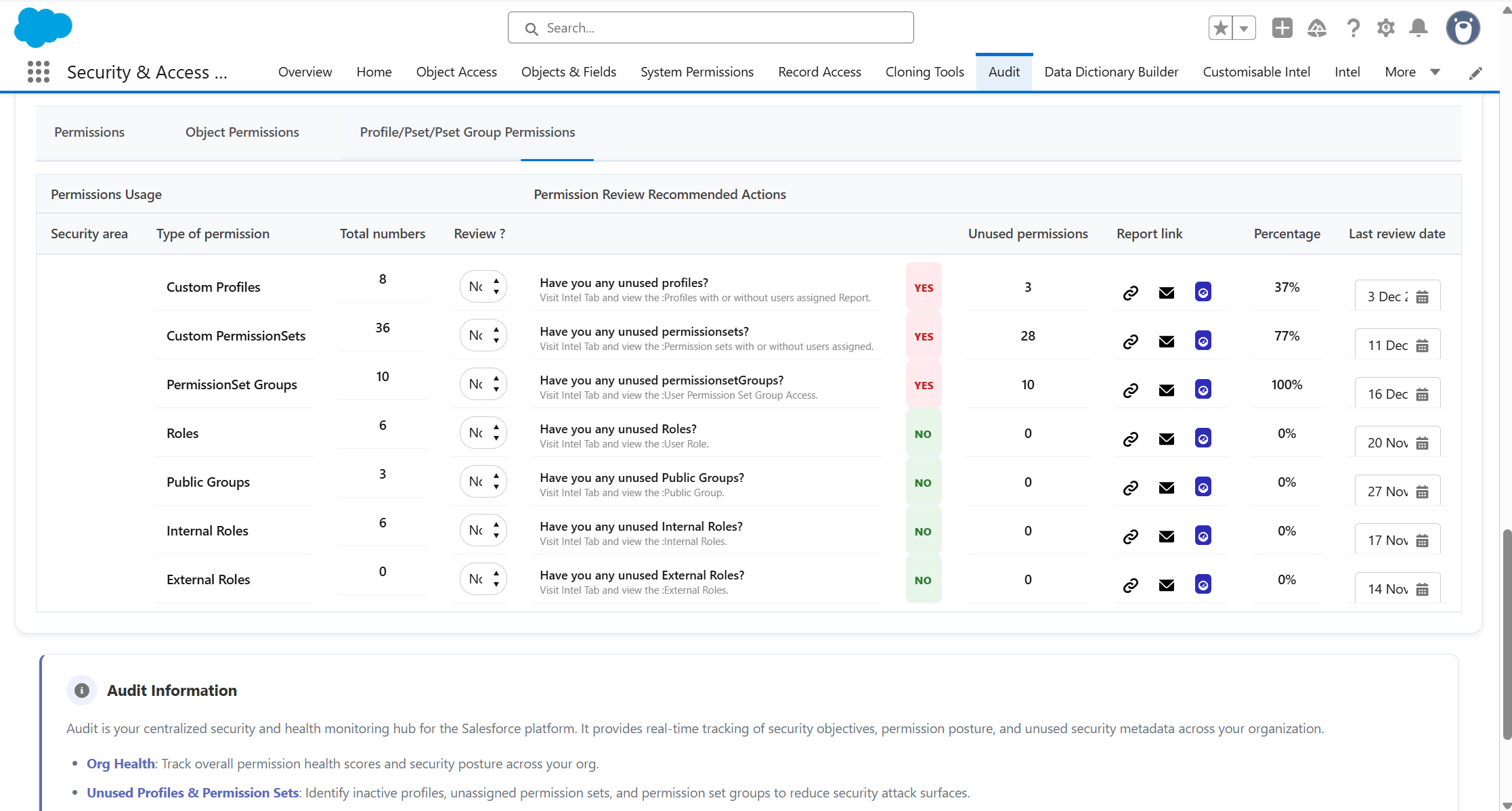
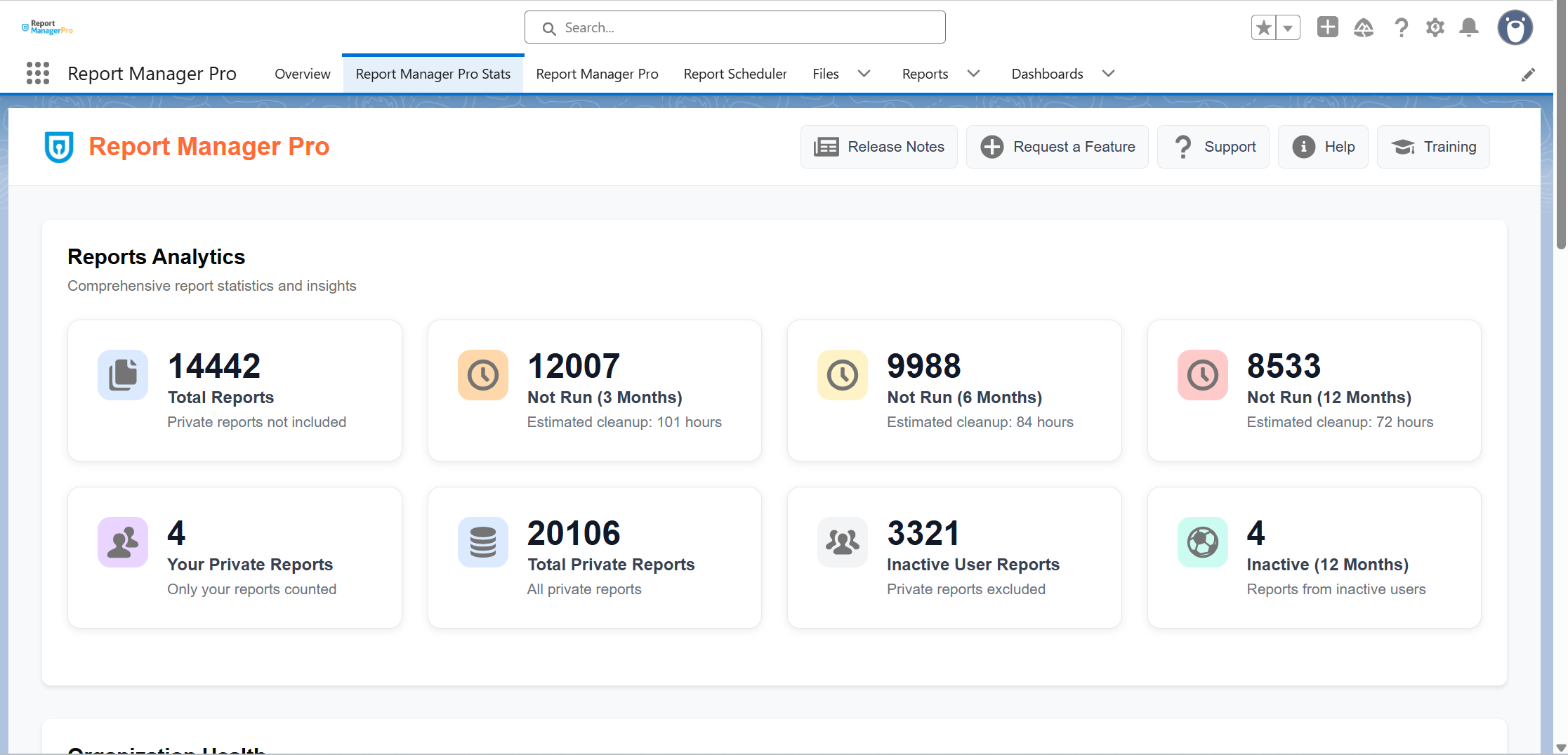
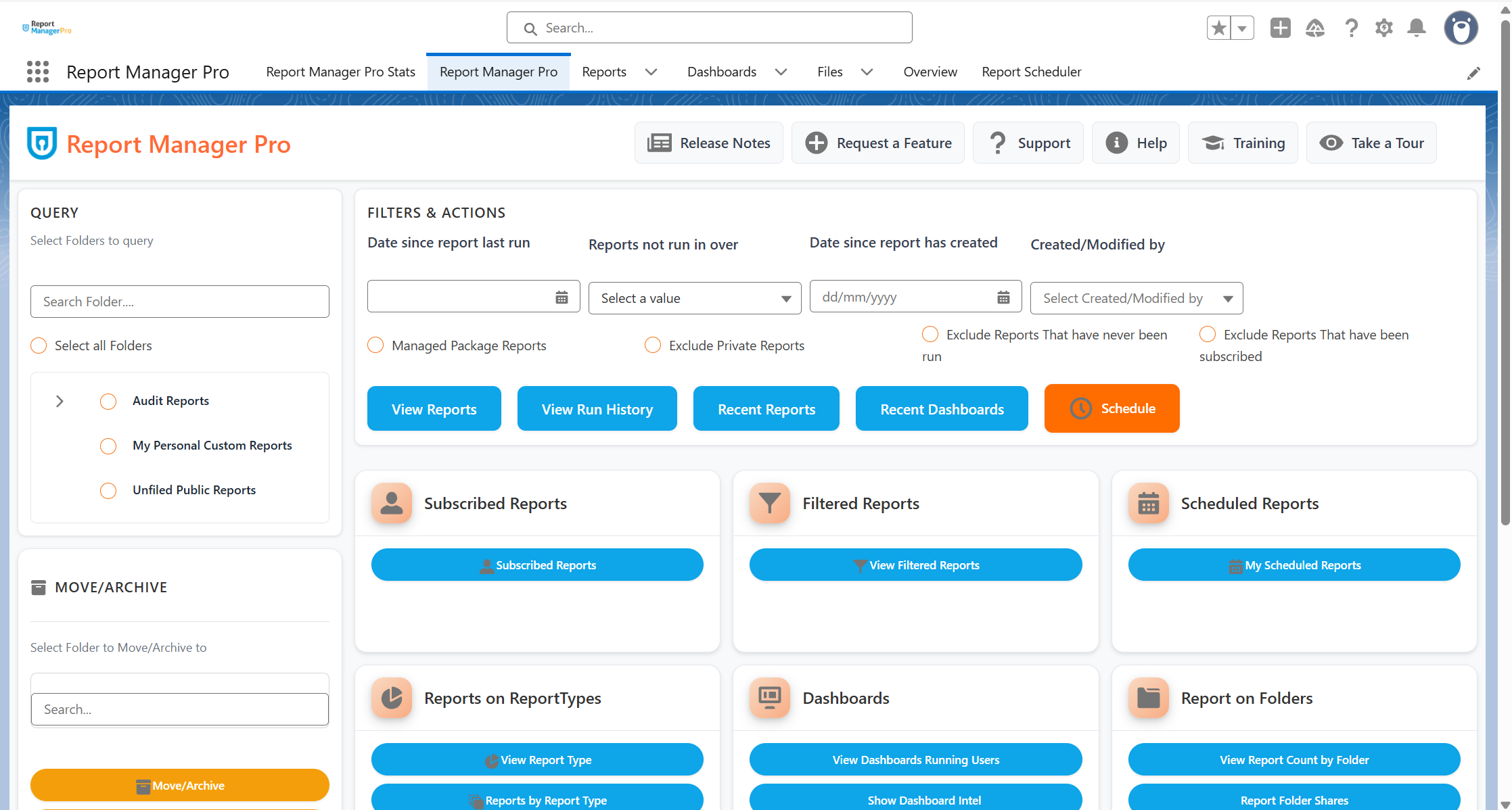
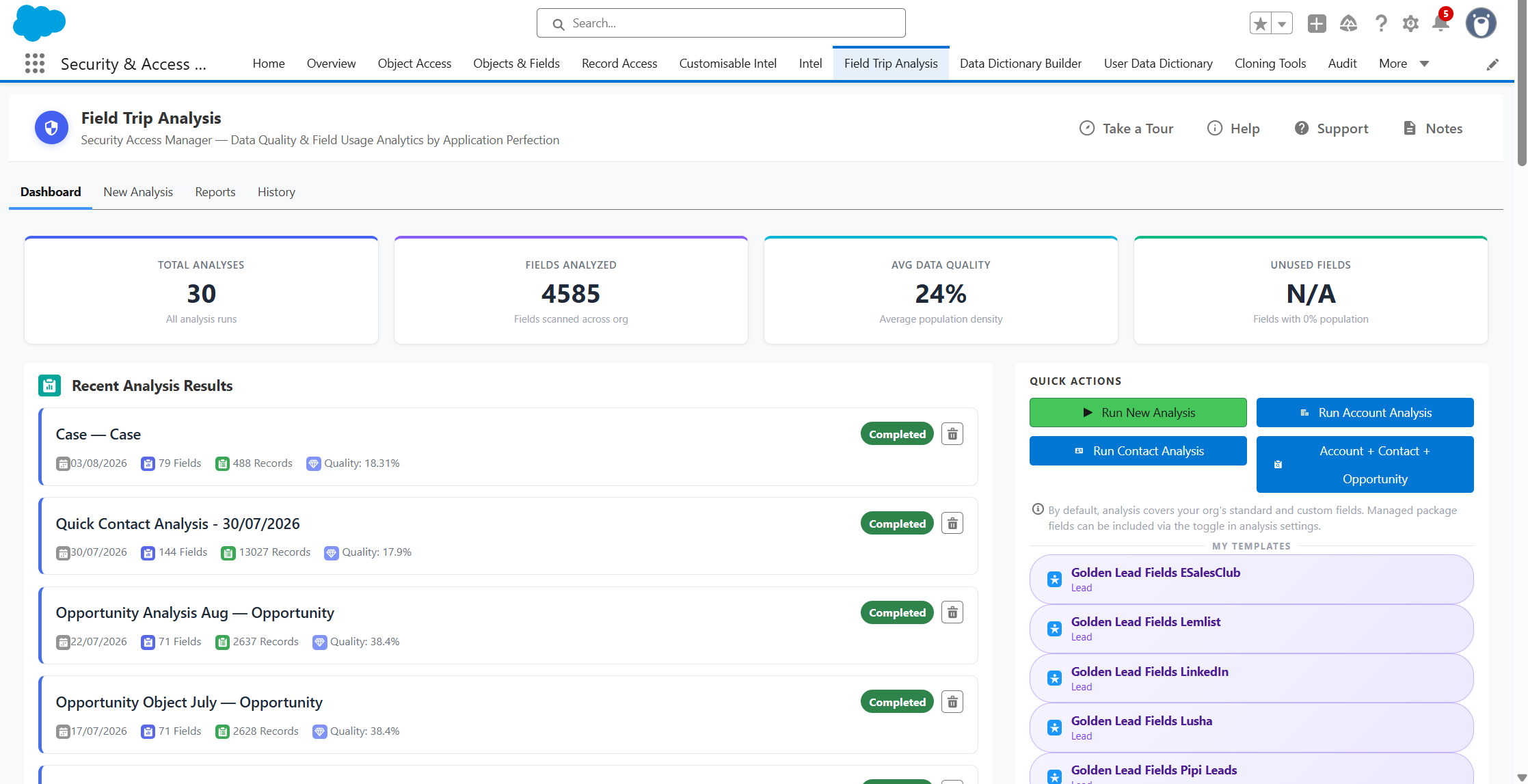
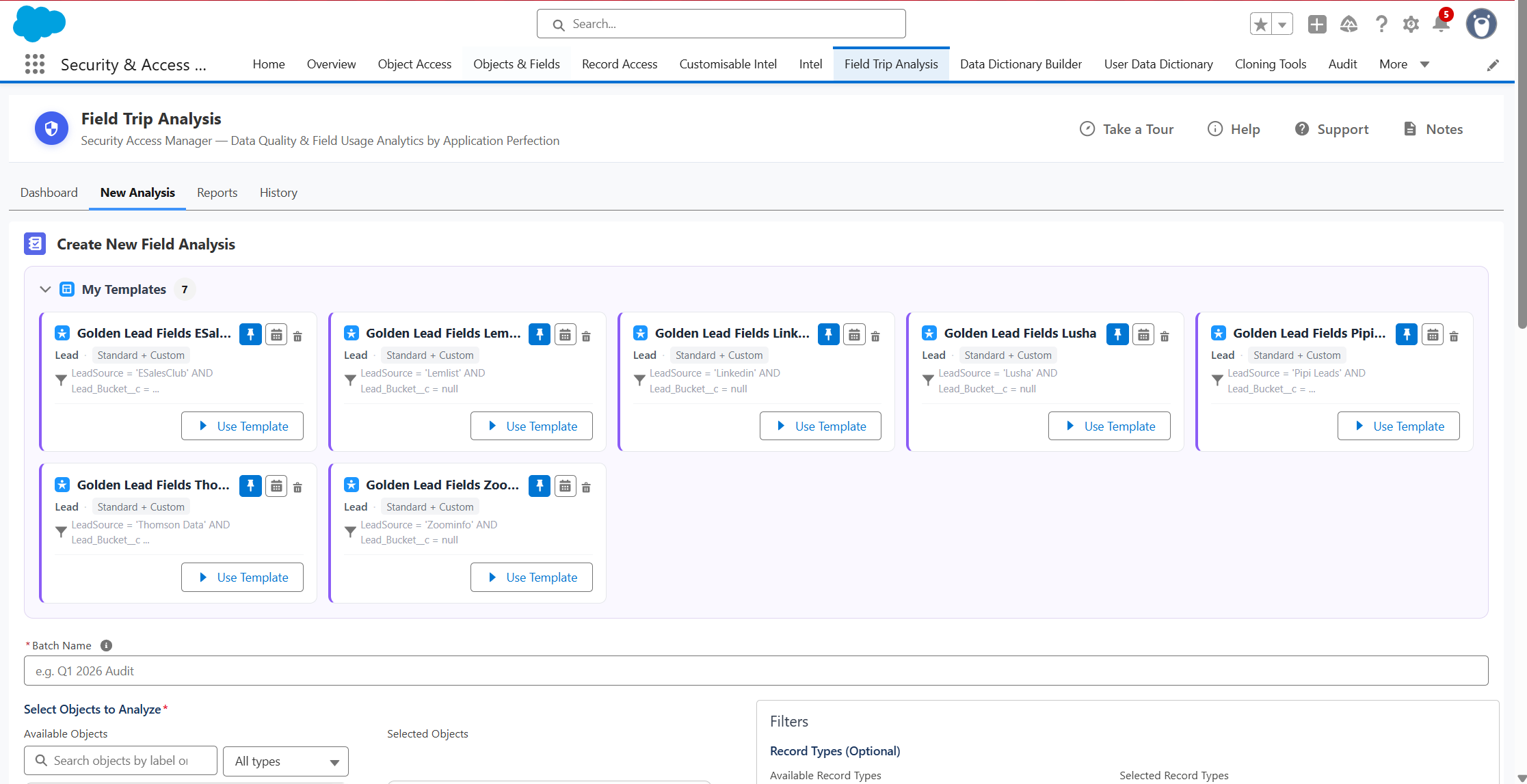
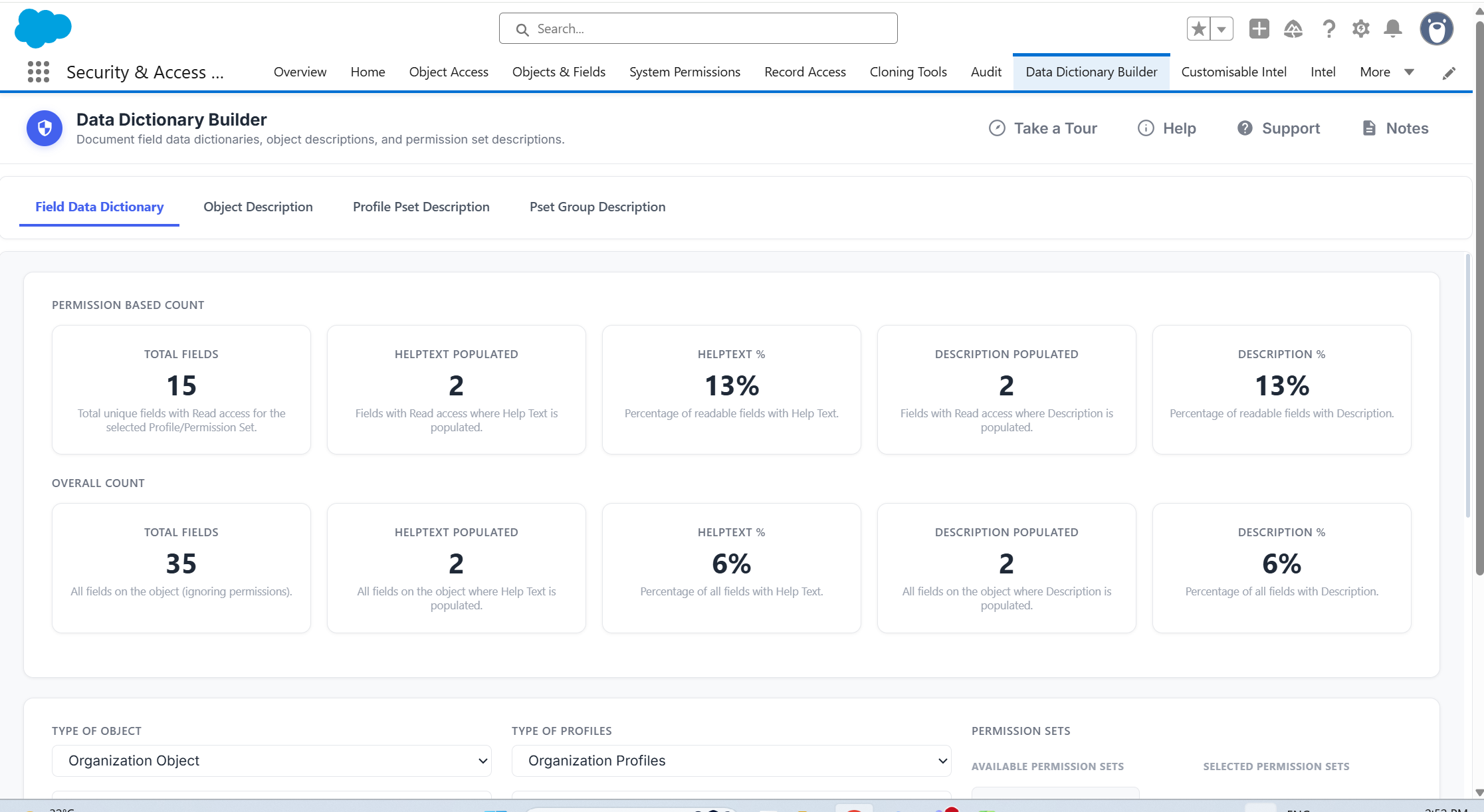
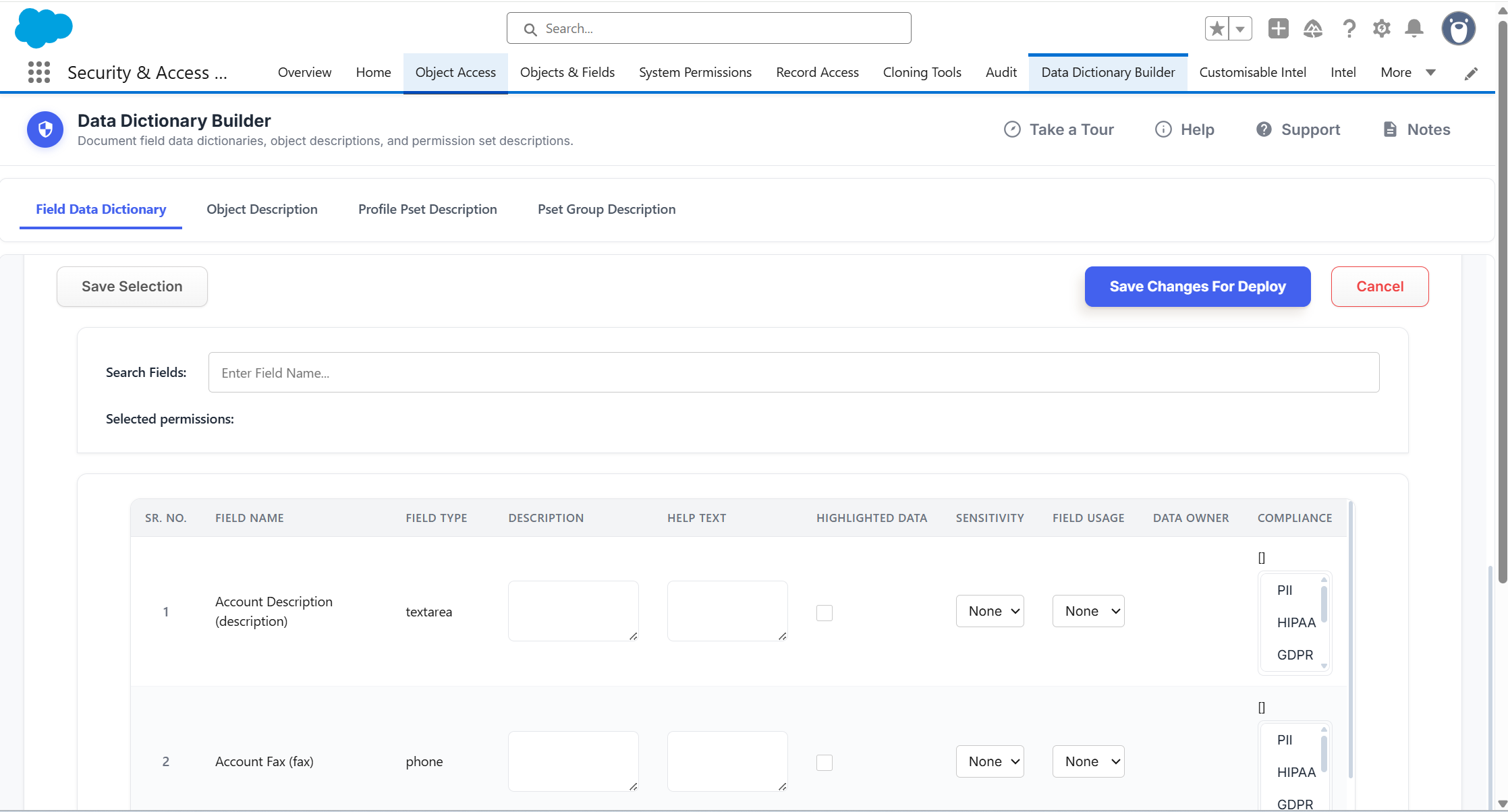
The suite dashboard: permissions, users, audits, reports and fields, on one screen.
Setup builds your org.The suite keeps it in check.
Salesforce Setup is built for configuring an org:permissions, access, fields, reports and settings.
The hard job is keeping everything visible, reviewed, and safe to change as the org grows.
Setup and free tools help with spot checks, but they lack structured reviews, change history, clean-up signals and shareable evidence.
Security + Access Manager Suite adds that missing layer across permissions, users, reports and fields, so the next access question, review or audit can be answered faster, with less digging.
You keep Setup for building.The suite is how you stay on top of what grows.
From reactive requeststo repeatable control
Less manual rebuilding.
Faster investigations.
Fewer blind spots.
No audit scramble.
What the Apps do
Permissions Manager Pro is where most teams start.The suite is where they end up.
Understand & Investigate
Who has access, and why?
Update & Modernise
Is it safe to change?
Document & Govern
Is it documented?
Review & Maintain
Can you prove it?
See any user's full access, risk score and login history, and grant or revoke in one place.
Each app answers more than one question.
So wherever you start, you'll uncover gaps you didn't know were there. Available on the AppExchange
"What used to take me hours of clicking through individual setup pages now happens quickly and easily. The time saved on compliance reporting and the reduction in over-privileged users makes it a real winner."


Ken Hunter


However you keep Salesforcein check, the suite helps.
Manage permissions and users in bulk, insteadof one Setup screen at a time.
If this is your team, your org or your remit, then this is your suite.
Keep governance and access policy consistent, instead of tracking it in your head.
If this is your team, your org or your remit, then this is your suite.
Produce audit evidence on demand, instead of rebuilding it from scratch.
If this is your team, your org or your remit, then this is your suite.
See access and platform risk in one place, instead of piecing it together across tools.
If this is your team, your org or your remit, then this is your suite.
Show structured evidence when the auditors come, instead of scrambling to assemble it.
If this is your team, your org or your remit, then this is your suite.
Why buy the full Suite?
One app for the problem in front of you.The Suite for the ones you haven't hit yet.

Most teams don't discover gaps at a convenient time. It's during an audit, a security incident, or someone senior asks a question no one can answer.
One problem exposes the next.
Individual apps address the problem in front of you.The suite keeps you on top of all of them.
Benefits of starting with one app vs the full suite
Starting with one app
Fix the problem infront of you
vs
Running the full suite
See what elseneeds attention
Starting with one app
Complete a targetedclean-up
vs
Running the full suite
Build a repeatablereview cycle
Starting with one app
Keep the scopefocused
vs
Running the full suite
See the wider picture in one place
Starting with one app
Get immediaterelief
vs
Running the full suite
Long-term controlas the org grows
The difference in practice
Based on outcomes reported by Security + Access Manager customers.
Audit Preparation
BEFORE
Frequent access conflicts
WITH THE SUITE
<2 days with automated reports

Admin Hours
BEFORE
Hundreds per quarter
WITH THE SUITE
Reduced by up to 80%
Audit Findings
BEFORE
Frequent access conflicts
WITH THE SUITE
Reduced by 70%-90%
Access Visibility
BEFORE
Frequent access conflicts

WITH THE SUITE
Unified. Real-time dashboard
Built inside Salesforce. No extra platform. Quick to start.
Goes furtherthan Setup
Repeatable reviews, bulk actions, audit evidence, change logging, and more.
Start the sameday you install.
Install from the AppExchange and you are working within minutes.
Less duplicatedmanual work
Connect tasks so you stop needing to rebuild the same context in separate tools.
Better continuity across review cycles
Review context carries forward, so teams aren’t starting from a blank page.
Runs in your Salesforcesecurity model
No external platform.Your data and exports stay in your org.
No new platform tolearn or get approved
Runs in the Salesforce interface your team already uses.Outputs in Excel.
AppExchange listed& security vetted
Every app has passed Salesforce's security review.The due diligence is done.
Support that knows Salesforce
Help from the team that builds the apps, plus docs and setup guidance.
See it working in your org.
In a tailored demo we'll show you:
• How a structured process reduces the most time-consuming admin work• Which workflows would cut the most manual work in your org• How the apps connect in everyday scenarios
30 minutes. No prep needed. No credit card required.
After the demo, you'll know exactly where the suite saves your team the most time, which workflows to start with, and what setup looks like.